 Lightning Tracker
App Store
Forecasts and warnings
Storm arrival time calculator: when could lightning reach you?
November 11, 2026 · 5 min read
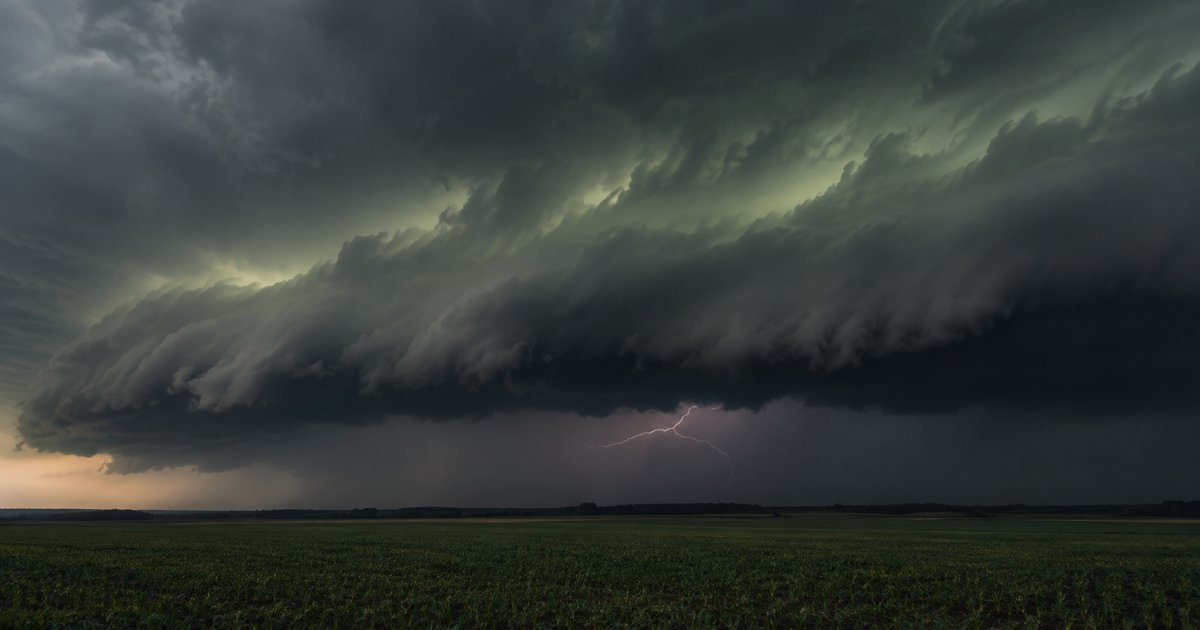
Divide the distance to an approaching storm by its speed to estimate when it could reach you, but allow for lightning before the storm arrives. The National Weather Service says a significant lightning threat can extend about 6 to 10 miles from a cloud base. The worksheet estimates the time to its 10-mile mark and to your location if the storm keeps moving straight toward you at the same speed.
No speed? Leave it empty and enter an earlier distance to the same storm and the minutes between the two readings.
Minutes until a storm covers a distance = miles ÷ mph × 60. Lightning can strike about 10 miles from a storm, so it can reach you well before the storm does.
The numbers assume a storm that keeps its speed and heads straight for you. If you hear thunder, go indoors whatever they say.
A time estimate is not a forecast
The National Weather Service (NWS) Event Ready tool defines “time until arrival” using a storm’s distance and speed, assuming its speed does not change. This worksheet makes the same kind of what-if calculation. It cannot predict a turn, a speed change, or a new cell forming closer to you. The NWS also says thunderstorms can develop directly overhead. Do not wait for a result to count down before moving indoors: the NWS says thunder means the storm is close enough to threaten people outside.
The 10-mile mark is an allowance for lightning’s reach, not a line outside which lightning cannot strike. The NWS says a significant lightning threat extends about 6 to 10 miles from a thunderstorm cloud base. Its Melbourne office says lightning often strikes outside the rain area as far as 10 miles, and even farther in exceptional cases.
Enter a distance and approach speed
Measure the distance in miles from your location to the approaching edge of the same storm, using a recent radar image or other observation. The NWS Weather Watcher Guide says a severe weather warning includes storm speed and direction; it also describes comparing the beginning and end of a radar loop. Storm motion in warnings and radar needs its own reading: a reported speed alone does not say the storm is headed straight toward you. Enter a speed toward your location in miles per hour only when the direction supports that assumption.
The worksheet accepts a distance from 0.1 to 300 miles and a speed from 1 to 80 mph. Inside 10 miles it gives no times and tells you to go indoors now.
How the two times are calculated
The worksheet first subtracts 10 miles from the current distance, divides by the approach speed in mph, then multiplies by 60 for minutes until the storm could reach the 10-mile mark. For the storm to reach your location, it divides the full current distance by the same speed and multiplies by 60. The NWS’s 2004 Instruction 10-1605 gives the same speed-to-distance relationship in its Table 10: at 30 mph, a storm covers one mile in two minutes. The NWS Event Ready arrival calculation likewise assumes constant speed.
For an illustrative storm 25 miles away and approaching at 30 mph, the first distance is 15 miles. At two minutes per mile, the widget shows about 30 minutes until the 10-mile mark and about 50 minutes until the storm is over the location. It displays 25 miles as 40 km. These are two outputs for one assumed track, not advance notice that lasts 30 minutes.
Results are rounded to the nearest minute, and shown in hours and minutes from two hours up.
No speed? Compare two readings of the same storm
The NWS Weather Watcher Guide suggests noting a storm’s position at the start and end of a radar loop and the elapsed time. Here, enter the distance to the same storm edge at two times, with the earlier reading first. The widget calculates how much closer that edge came, divides by the minutes between observations, and multiplies by 60 to give miles per hour of closing speed. This is only the rate at which its measured distance to you changed. It is not the storm’s full motion across a map, and two different lightning strikes are not two positions of the same edge.
For example, an earlier distance of 30 miles, a current distance of 25 miles, and 10 minutes between them means 5 miles of closing in one-sixth of an hour: 30 mph. The widget then shows the same 30-minute and 50-minute results as the first example. It accepts an earlier distance from 0.1 to 300 miles and an interval from 1 to 180 minutes. If the second reading is equal or farther away, it says the storm did not get closer in those readings and gives no arrival time. If the computed closing rate exceeds 80 mph, it asks you to check whether the readings describe different storms or strikes; it gives no arrival time. The 80-mph cutoff is a worksheet check, not an official maximum thunderstorm speed.
What to do with the number
The NWS says a significant lightning threat can extend outward 6 to 10 miles and that background noise can make thunder harder to hear. A distant-looking cloud edge or a quiet moment therefore does not make the countdown a shelter trigger. If thunder is audible, go to a building or hard-topped vehicle without using the remaining minutes. Timing a flash and its thunder estimates distance to that one flash, not the movement or arrival of the whole storm.
Lightning Tracker for iPhone shows recent detected strikes, including distance, direction and age of the nearest one, and a radar layer (the latest frame free, the timeline in Premium). Those observations can help you follow a changing storm, while reading distance and gaps on a lightning map still matters: detected strikes are not a measured storm edge. The app is available on the App Store.
Not a substitute for official weather warnings.
If you hear thunder, seek shelter even if the app shows no nearby strike.
Sources
- National Weather Service, Event Ready
- National Weather Service, Instruction 10-1605
- National Weather Service, Weather Watcher Quick Start Guide
- National Weather Service, Lightning Safety and Outdoor Sports Activities
- National Weather Service Melbourne, Lightning Rules